Plugins for AutoCAD Plant3D

About IFC Exporter for AutoCAD Plant3D
With IFC Exporter you can export any Plant3D file (or part of the large file) to the IFC2x3, IFC4 and IFC4x3 format
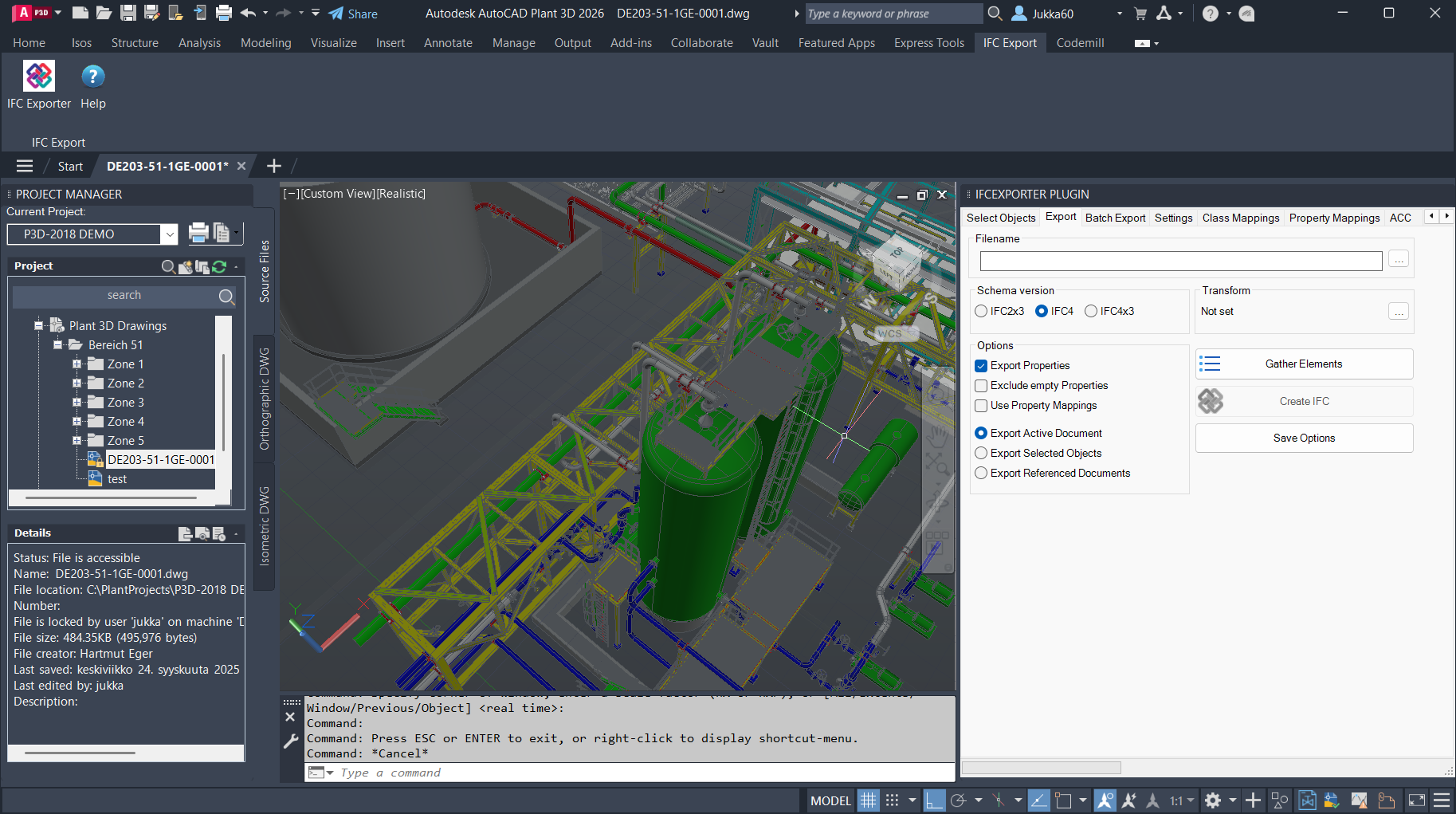
Easiest way to export Plant3D model is to select Schema version and Export all Objects option. You can also select optionally whether or not export properties as well with the Export Properties check box. After that just press Export to IFC button and the plugin will ask for the IFC filename and creates it.
Now IFC Exporter for AutoCAD Plant3D plugin is also integrated with Autodesk Construction Cloud.
Integration includes functions to download and upload files and their previous versions from/to ACC. User can export any AutoCAD Plant3D drawing into IFC2x3, IFC4 or IFC4x3 format and then upload it seamlessly into the Construction Cloud. User can also download any file from the ACC and save it locally.
The plugin also includes Forge Viewer for browsing files in ACC and BIM360 projects.
Authentication:
The plugin uses 3-legged Authentication for accessing ACC Accounts and projects for downloading and uploading files and browsing files in Forge Viewer.
Autodesk Construction Cloud Custom Integrations:
Forge Connect
uzJQZGmpX7hvPZf8qP5UNVn08R2aGc1iYB3t9tlAAOK5TrfE
Hubs Browser
NAUpbdTFbMqKXsryF61HEVyFFR851fgAaWfiTI1ZLq7ydtIi
About Core IFC Exporter
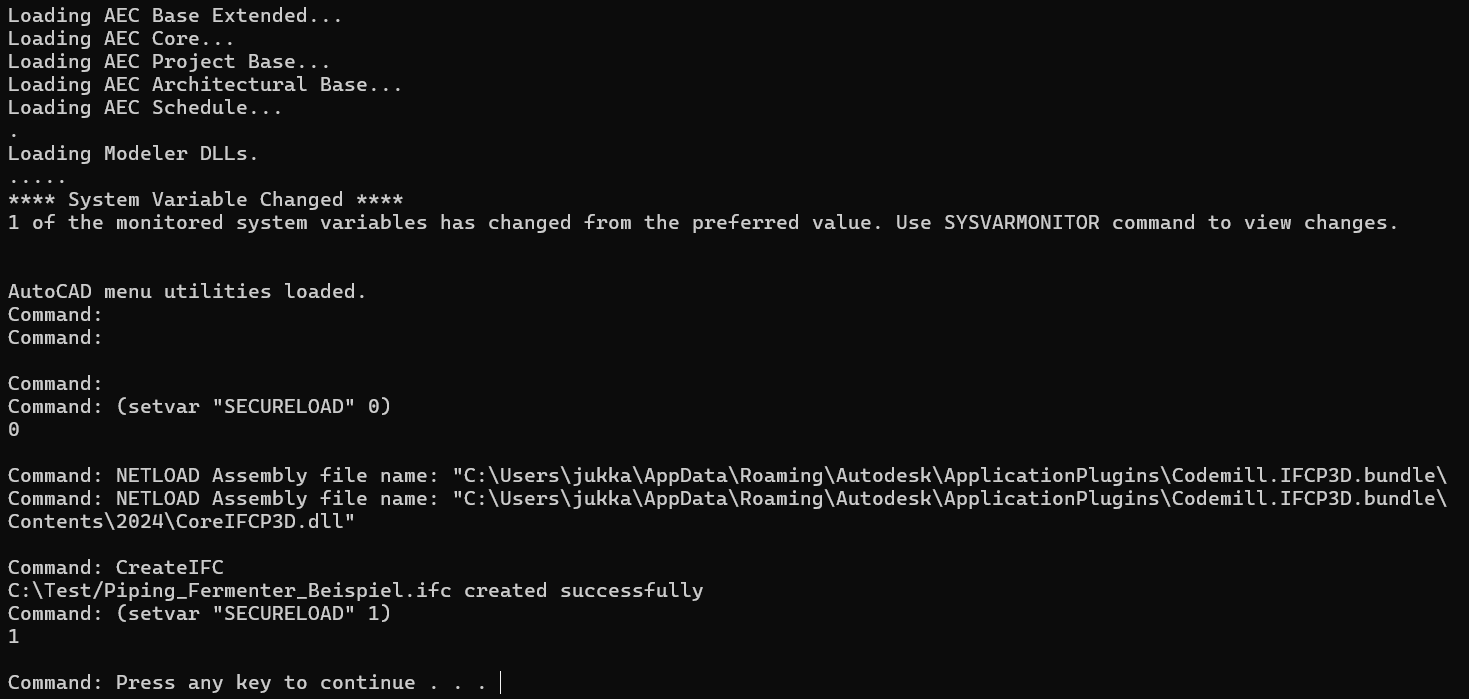
Core IFC Exporter is a complementary application that can be used alternative to the IFC plugin. It is using AutoCAD command line version (accoreconsole.exe) to create IFC files without need to open AutoCAD Plant3D user interface.
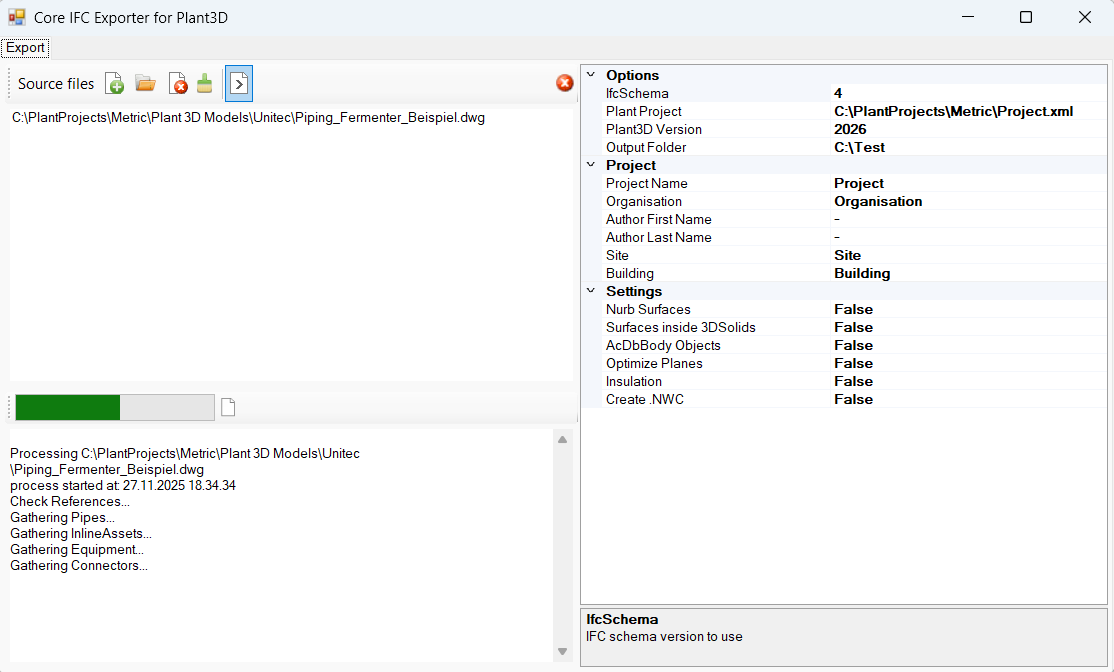
Core IFC Exporter can also be used as a console application in batch files.