About Inventor Apprentice Server
The simple way to think of Apprentice is that it's a smaller version of Autodesk Inventor that does not have a user interface. Without a user interface the only way to access its functionality is by using its API. Apprentice is actually an ActiveX component. Apprentice can be very efficient because it's smaller than the complete Autodesk Inventor application and because it runs in the same process with our console application.
About GenerateIFC
GenerateIFC console application is a supplementary application of IFC Exporter for Inventor, that takes advantage of Apprentice Server and runs without Inventor's user interface. Using console application needs that Inventor Apprentice Server is installed on the computer.
https://www.autodesk.com/support/technical/article/caas/tsarticles/ts/7E5yOOlf0n3RxRfXa3F1to.html
Name of the console application is GenerateIFC.exe and it is installed together with main plugin. It is installed in Apprentice - folder of the plugin. Plugin is installed either in C:\ProgramData\Autodesk\ApplicationPlugins or C:\Users\xxx\AppData\Roaming\Autodesk\ApplicationPlugins folder depending on selected option (all users / for me only) in installation program.
So you need to call ..\GenerateIFC.exe in batch file with 2 to 4 command line parameters.
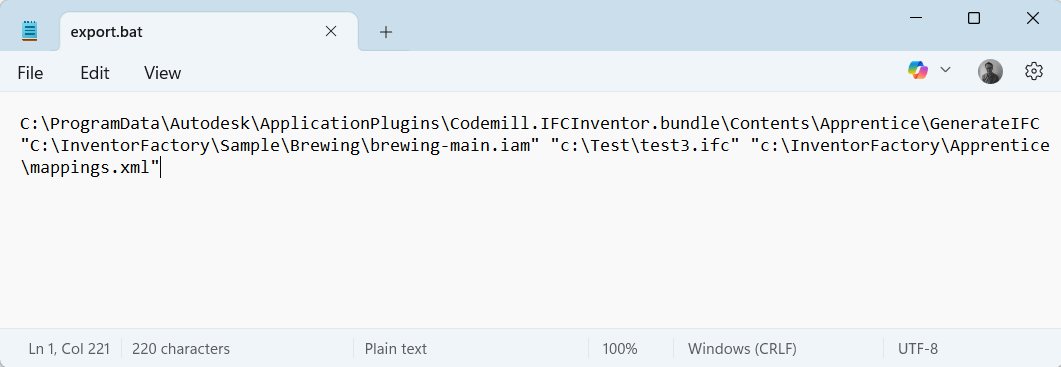
GenerateIFC.exe takes following command line parameters:
1st Input file (.iam or .ipt)
2nd Output file (.ifc)
3rd Class mapping file (.xml)
4th Property mapping file (.xlsx)
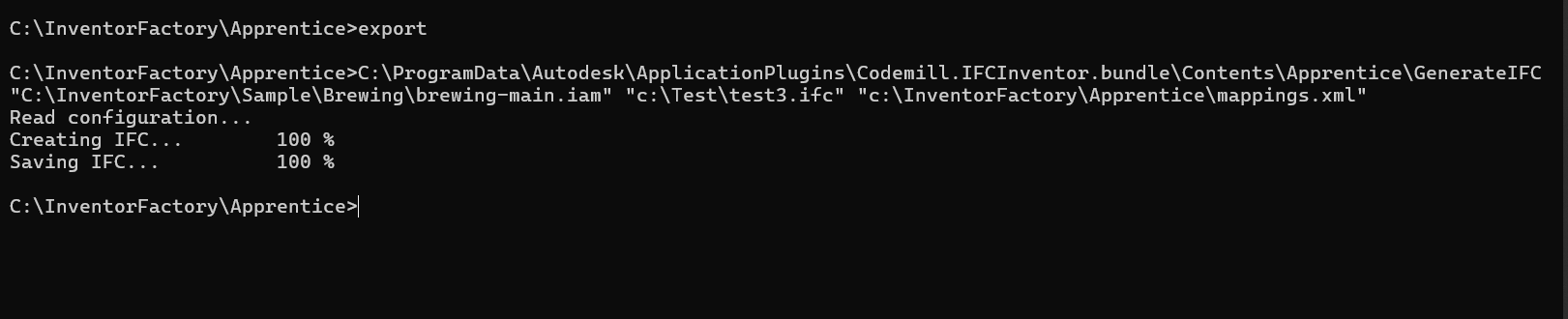
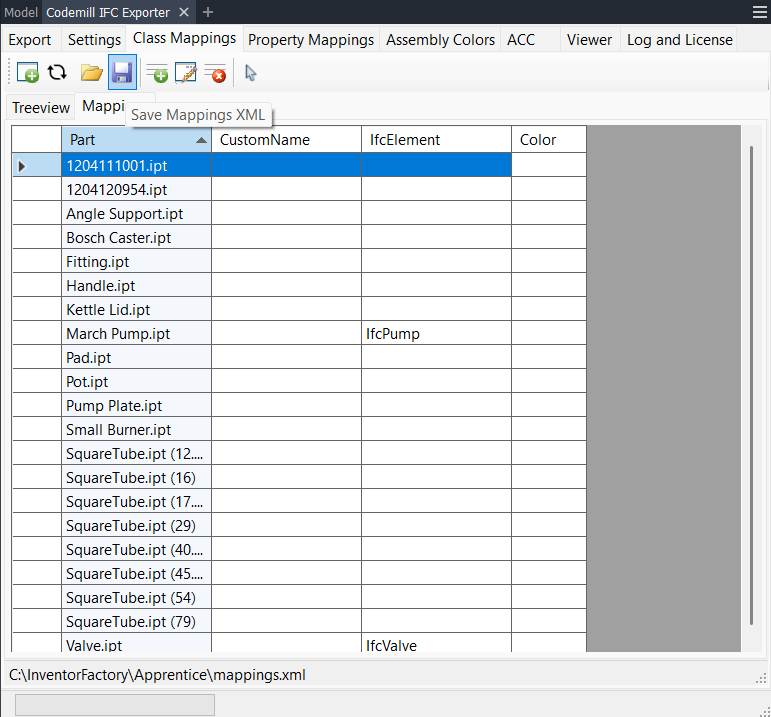
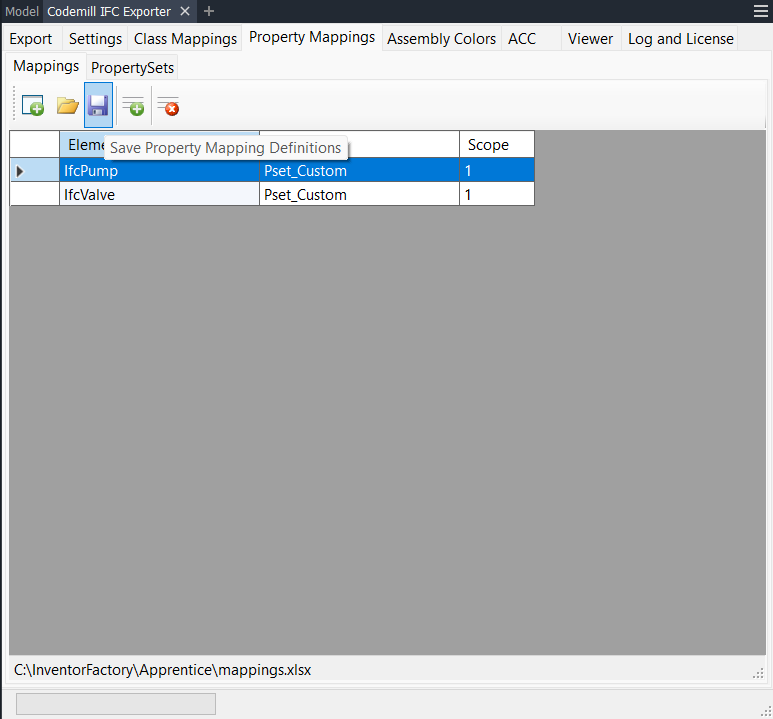
Mandatory command line parameters are input filename (.iam or .ipt) and output filename, others are optional. If you also like to use class mapping and property mapping files then they 1st need to be created with our IFC Exporter for Inventor plugin and saved to .xml and .xlsx files.
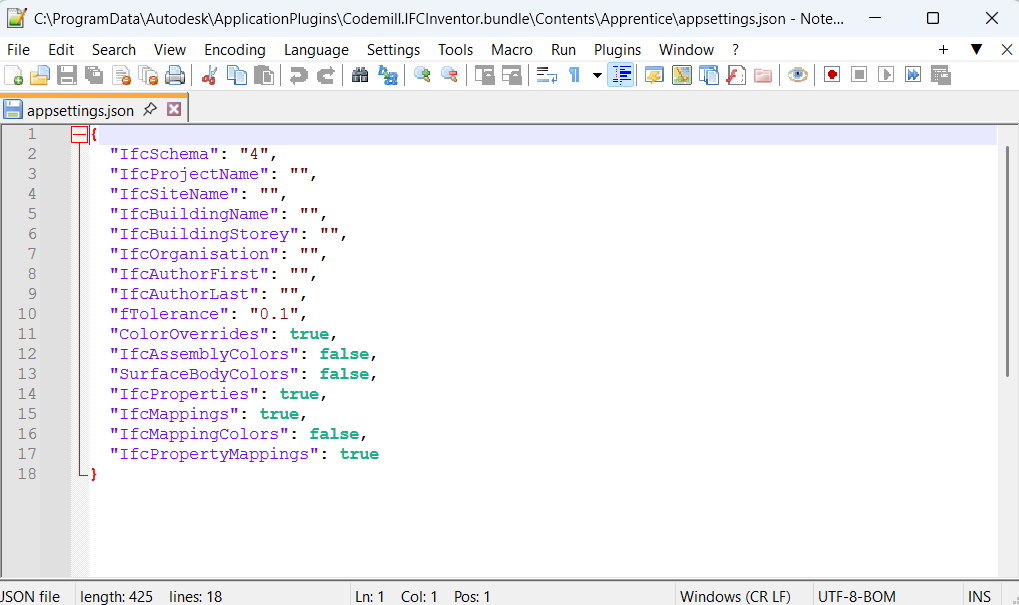
Appsettings
Application settings file appsettings.json is in plugin's ..\Apprentice - folder and can be edited to run GenarateIFC with alternative settings.